Admin Settings are visible only to users who have admin rights. In these settings, you can manage some of the key functionalities within the system.
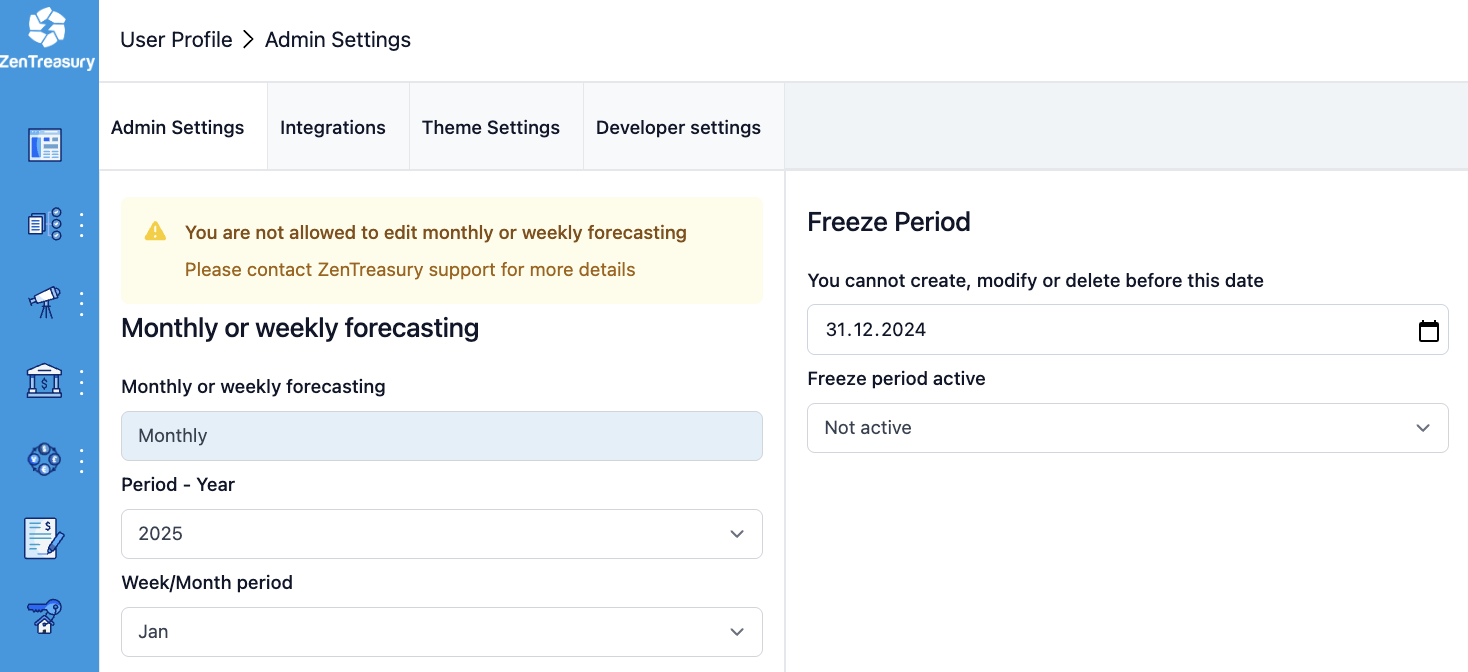
Monthly or weekly forecasting
Select whether the company does forecasting weekly or monthly. Select the forecasting year and the Week/Month period, either the week number or the month in question. Note that admin user has to change the forecasting week/month every time when the new forecasting period starts. It is only possible for users to input forecasts for the period selected in the admin settings.
Freeze period items
You cannot create, modify or delete before the selected date. All agreements created before or on selected date will be locked depending on the “Freeze period active” mode. Creating new agreements before this date is not possible.
Freeze period active
There are three options:
- “Not active” – the freeze period function is not active.
- “Full” – not possible to do anything regarding the existing agreements or create new ones before or on the selected date
- “Adjustable” – the base data of the agreements can be modified, but not any payment data for already executed payment transactions.
Hide inactive users
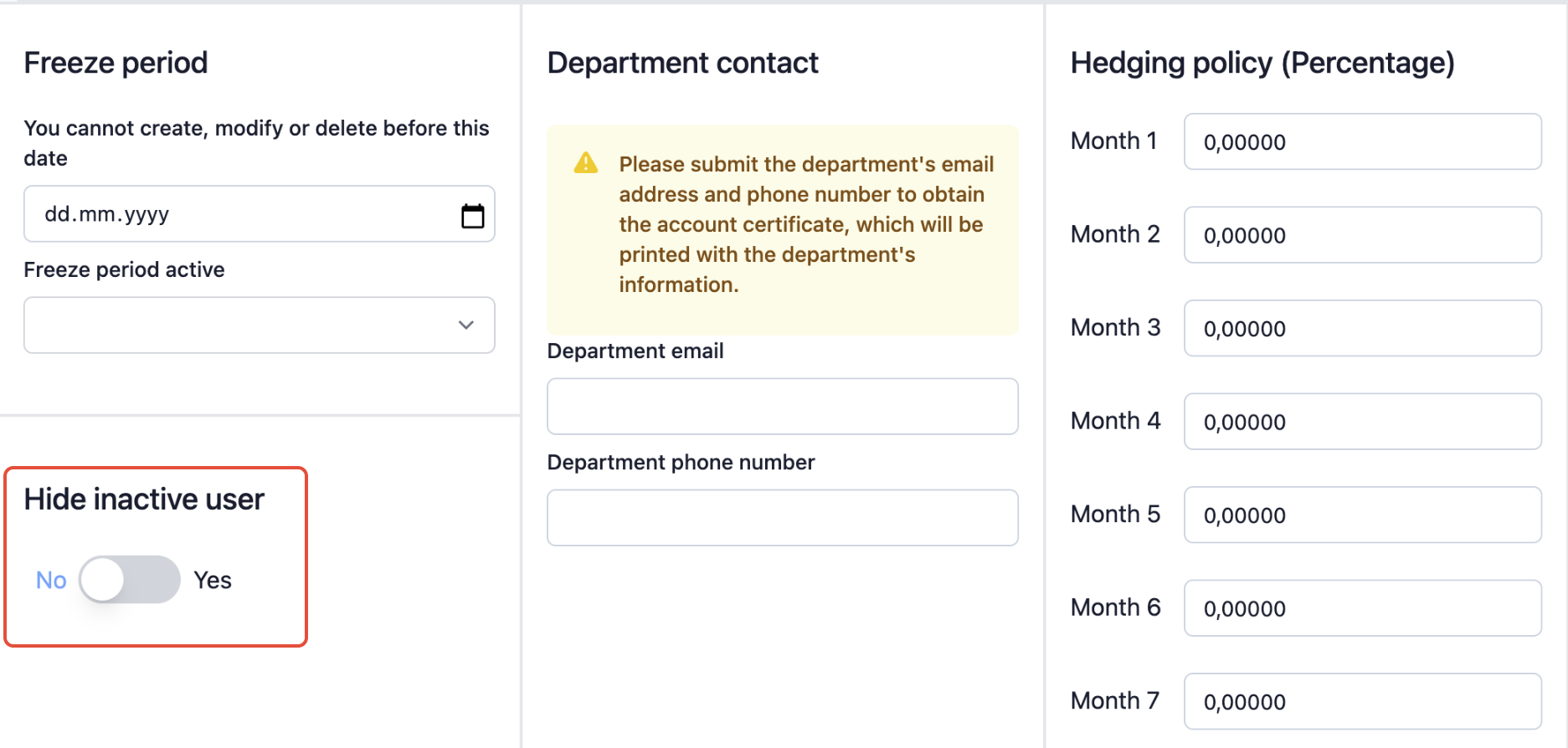
You can hide inactive users from the users list by turning the ''Hide inactive user'' feature on.
Was this article helpful?
That’s Great!
Thank you for your feedback
Sorry! We couldn't be helpful
Thank you for your feedback
Feedback sent
We appreciate your effort and will try to fix the article